
Your AI writes the doc.
People comment.
Your AI updates it.
Your AI publishes its proposal, spec or report to Markloop. Share the link and people comment on the exact line. Your AI reads them and puts the next version at the same link.
No credit card required · Reviewers always free
Sharing it is
the messy part.
Your AI writes proposals, specs, reports and plans in minutes. Then the doc goes into Google Docs, a PDF or an email thread, and that is where it falls apart.
- ✕The layout breaks when you paste it somewhere else.
- ✕Comments land far from the sentence they are about.
- ✕You copy the comments back into your AI and explain what each one is about.
- ✓The doc stays exactly as your AI made it.
- ✓Every comment sits on the sentence it is about.
- ✓Your AI reads the comments directly. No copy-paste.
Works directly with Claude, ChatGPT, Cursor and Grok. Any other AI works through file upload.
From their comment
to your next version in minutes.
Publish what your AI made, let people comment on it, and let your AI update it. Then repeat for as long as the work needs.
Your AI publishes a website redesign proposal for Northwind Coffee and copies the link. Anna from Northwind opens the link and comments on the Blog setup line: can we skip the blog for now? You reply in the thread. Your AI reads the comment, explains that skipping the blog saves 3,500 dollars and a week, and asks whether to update the proposal. You say yes. Version 2 goes live at the same link: the blog is removed, the total drops from 14,800 to 11,300 dollars, and Anna's comment is marked resolved.
Your clients just open the link.
No sign-up to comment
Share a file link and reviewers type their name and comment. Invite people by email when they need the whole project.
Reviewers are free
Invite as many clients and teammates as you need. You never pay per reviewer.
You choose who sees it
Nothing is shared until you share it. Reviewers can read, comment and reply, but they can't change your documents or see other projects.
See the full loop, start to finish.
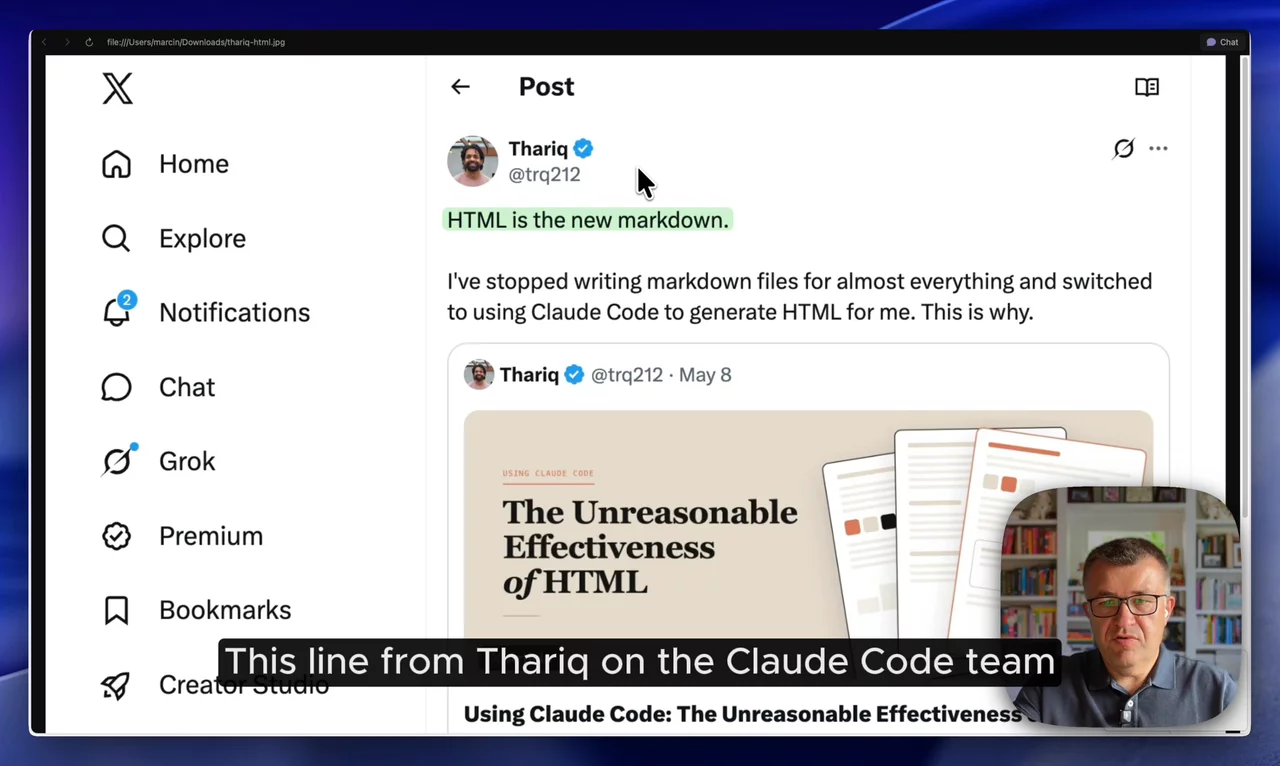
A short founder walkthrough: publish an HTML doc, get comments from people, pull them into your AI, and publish the next version.
Whatever your AI writes,
share it and keep improving it.
Share a spec, talk it through, ship the next version.
Send a PRD or product spec to your team or cofounder. Everyone comments on the exact line, and your AI folds the answers into the next version.
Discuss technical docs line by line.
RFCs, architecture docs and migration plans. Comment on the exact line, settle questions in the thread, and see what was resolved in each version.
Send clients a link, not an attachment.
Reports, proposals and audits look exactly as your AI made them. Clients open the link, type their name and comment. No sign-up, no attachments.
Client proposals with AI → · Client reports with AI →
Anything your AI writes as an HTML doc.
Research, strategy docs, plans, analyses, Claude artifacts. If it opens in a browser as one HTML file, you can share it, get comments and keep improving it.
Made an artifact in Claude? Markloop takes the same HTML file: share it with anyone, including people outside your organization, and get their comments straight back into your AI. How to share Claude artifacts →
Connect your AI once.
Paste one line into Claude, ChatGPT, Cursor or Grok and it walks you through the rest. After that you just ask: "publish this" or "any new comments?"
- Start your free trial. No credit card.
- Paste the setup line into your AI. You do this once.
- Ask it to publish your doc. Send the link it gives you.
Any other AI works through file upload. How your AI gets the comments →
Need it to pass a security review? How we handle your data →
Connect Markloop so you can publish my docs and pull back the comments. Setup steps: https://markloop.io/setup.md
Paste it into your AI. In Claude Code or Codex it connects itself; in chat apps it walks you through the settings.
Two plans.
Reviewers always free.
Start with a 14-day free trial - no credit card required.
- ✓1 seat
- ✓Unlimited projects, docs & versions
- ✓Unlimited reviewers (always free)
- ✓Connects to Claude, ChatGPT, Cursor & Grok
- ✓Founding price, locked in for early users
- ✓Everything in Solo, plus:
- ✓Up to 5 seats
- ✓Shared workspace
- ✓Team roles & permissions
- ✓Remove Markloop branding
- ✓Priority support
Everything else.
Do reviewers need an account?
Not to comment on a single file. They open the link you shared, type their name, and comment. People you invite by email to a whole project create an account with email and password.
Does the link change when I publish a new version?
No. A shared file link always opens the latest version, so you never send a new link. Anyone who already has the page open sees the new version after a refresh. You can also let people browse older versions.
How can I share documents with reviewers?
Share one file as a link that people can read, or read and comment on. Or invite people by email to a project, where they see every file in it, including ones you add later. Links can expire, and you can revoke them at any time. Reviewers are always free.
Which AI tools does it work with?
Claude (chat, Cowork and Claude Code), ChatGPT (including Codex), Cursor and Grok connect directly: your AI publishes docs to Markloop and pulls the comments back in, no copying files around. Setup is a one-time step: paste Connect Markloop so you can publish my docs and pull back the comments. Setup steps: https://markloop.io/setup.md into your AI. Any other AI works too: download the HTML it made, upload it to Markloop, and export the comments as plain files.
What can I upload?
HTML files your AI makes - specs, docs, reports, plans, research. If it opens in a browser as a single HTML file, it works. Each upload becomes a new version of the same document.
Is my work private?
Yes. Nothing is shared until you share it. People see only the files and projects you give them access to.
Who can comment on a shared link?
Anyone with the link, and only if you turned comments on - a file link is either view-only or view-and-comment. Commenters type a name, which isn't verified, so when you need to know exactly who said what, invite people to the project by email instead; they sign in. You can set a link to expire and revoke it at any time. Links can't be password-protected.
Where is my data hosted?
Markloop is run from Kraków, Poland. The app and database are hosted in Europe, in Frankfurt and London. Document files are stored with Cloudflare R2. Some of our providers may process data outside the EEA, with the safeguards GDPR requires. When your documents contain personal data, our Terms include a GDPR data processing agreement (Art. 28) that applies automatically, with no separate signature needed. Details are in the Privacy Policy and Terms §15.1. For a security review, see how we handle your data.
Will I know when someone comments?
Yes, by email, once you turn it on in Settings > Profile. You get one email per document summing up new comments and replies, sent after 30 quiet minutes or at most 4 hours after the first comment. People you invite to a project by email get these emails by default. People who comment through a shared link get no emails; anyone who opens the link again sees the latest version.
Can I get a PDF of the final version?
Yes. Print / save as PDF gives you a clean PDF of any version, without the comments. The comments export separately as plain files (comments.md and comments.json).
Does Markloop run AI on my documents?
No. Markloop hosts your document and its comments. Your own AI makes every change, and no AI runs on our servers. We never use your documents to train AI models.
Can I share a Claude Code artifact outside my organization?
Yes, but not in a way a client can comment on. Claude Code artifacts can get a public link on Pro and Max, and on Team and Enterprise once an Owner turns on External sharing, but a public link takes no comments, and comments work only for people inside your organization. Have Claude Code publish the artifact's HTML file to Markloop and share it from there: reviewers open it in the browser, need no Claude account, and can comment right away. Step by step: how to share Claude artifacts outside your organization.
Does Markloop work with artifacts from Claude Code, claude.ai, or Cowork?
Yes. An artifact is a single HTML page, which is exactly what Markloop works with. Download the HTML file and upload it, or have Claude Code publish it, and people can comment on it, with every version kept.
Does it work for live websites?
No. Markloop is for single HTML documents - the kind your AI writes - not live websites or apps with many pages.
Is there a free plan?
No perpetual free tier, but every account starts with a 14-day free trial - no credit card required. You pick a plan later, in the app, and reviewers are always free.
What counts as a "project"?
A project is one client, team, or workstream. It holds your files, their versions and comments, and the people you invite.
Can I cancel anytime?
Yes. Plans are monthly or annual - cancel whenever, no lock-in.
Guides.
How sharing and comments work in Claude, ChatGPT and Cursor, and how to get feedback on what your AI writes.
- How to share Claude artifacts outside your organization
- What are Claude artifacts? claude.ai vs Claude Code vs Cowork
- Who can comment on a Claude artifact
- AI agent artifact sharing compared: Claude, Cursor, Codex
- ChatGPT Sites explained: sharing, limits and feedback
- How to get comments on a Cursor canvas
- HTML to Google Docs: how to convert it and what breaks
- HTML is the new Markdown
Publish it. Get comments.
Keep improving it.
Publish what you made with your AI, send one link, and get the comments straight back into it. The next version lands at the same link.
14-day free trial · No credit card required · Reviewers always free